
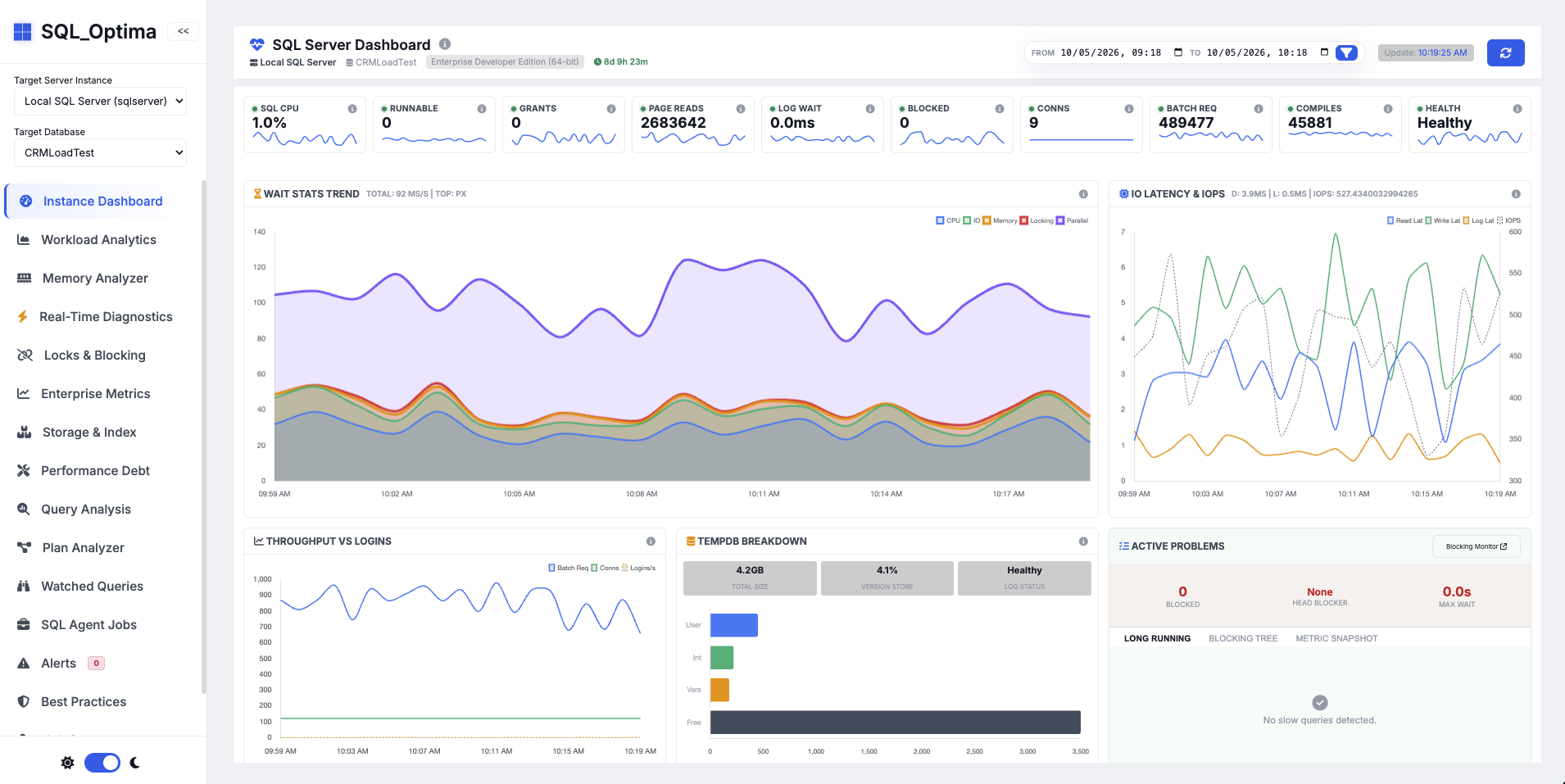
SQL Monitoring
Trace a database symptom to the workload, query, or resource behind it.
SQL Server: Supported · PostgreSQL: Supported · ProjectExploreRepository ↗
SQL Server and PostgreSQL
Practical database tools for DBAs and engineering teams who need to find performance problems, review schema changes, move workloads, and rehearse recovery.
Use the software directly, learn from the handbook and field guides, or bring in professional help for an assessment, migration, workshop, or difficult production problem.
01 / 05Watch SQL Server and PostgreSQL health, catch the slow query, and triage it before the incident grows.
Start with the database problem, not the product catalog.
Tools for monitoring, change, migration, assessment, backup, and high-availability practice.
Trace a database symptom to the workload, query, or resource behind it.
SQL Server: Supported · PostgreSQL: Supported · ProjectExploreRepository ↗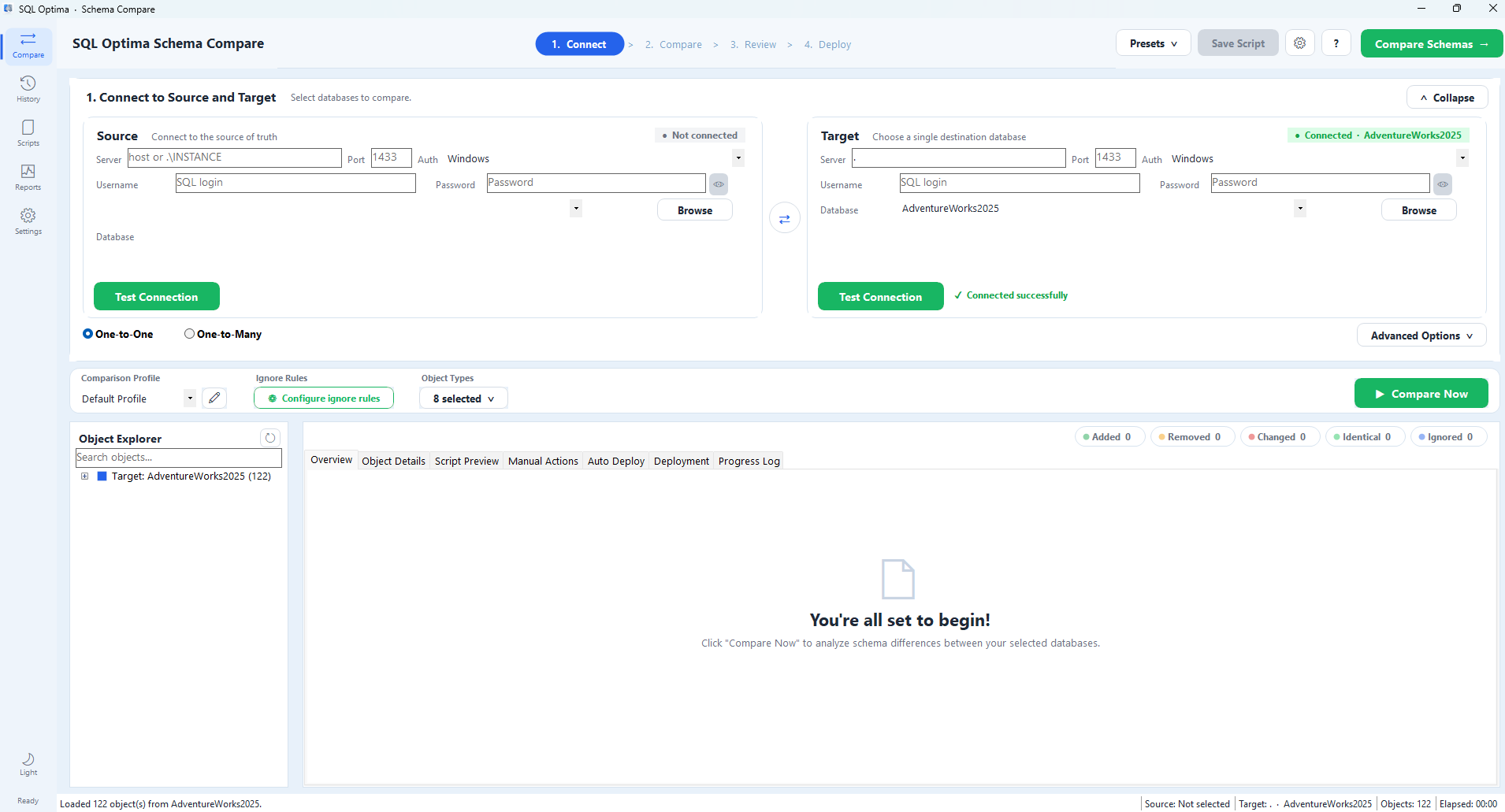
Find schema drift and review an ordered deployment script before release.
SQL Server: Supported · ProjectExploreRepository ↗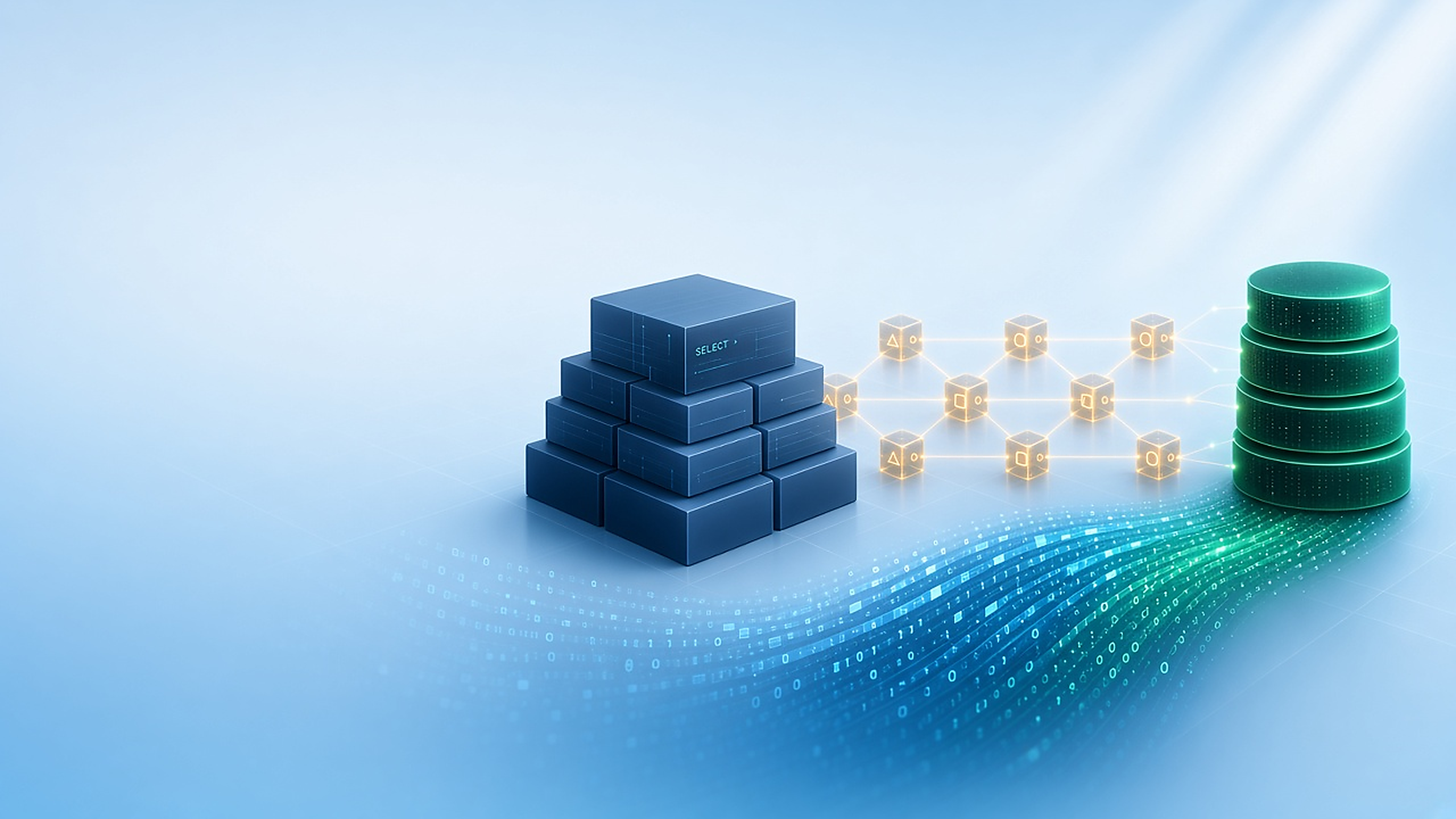
Assess and rehearse a SQL Server-to-PostgreSQL migration before cutover.
SQL Server: Source · PostgreSQL: Target · PreviewExploreRepository ↗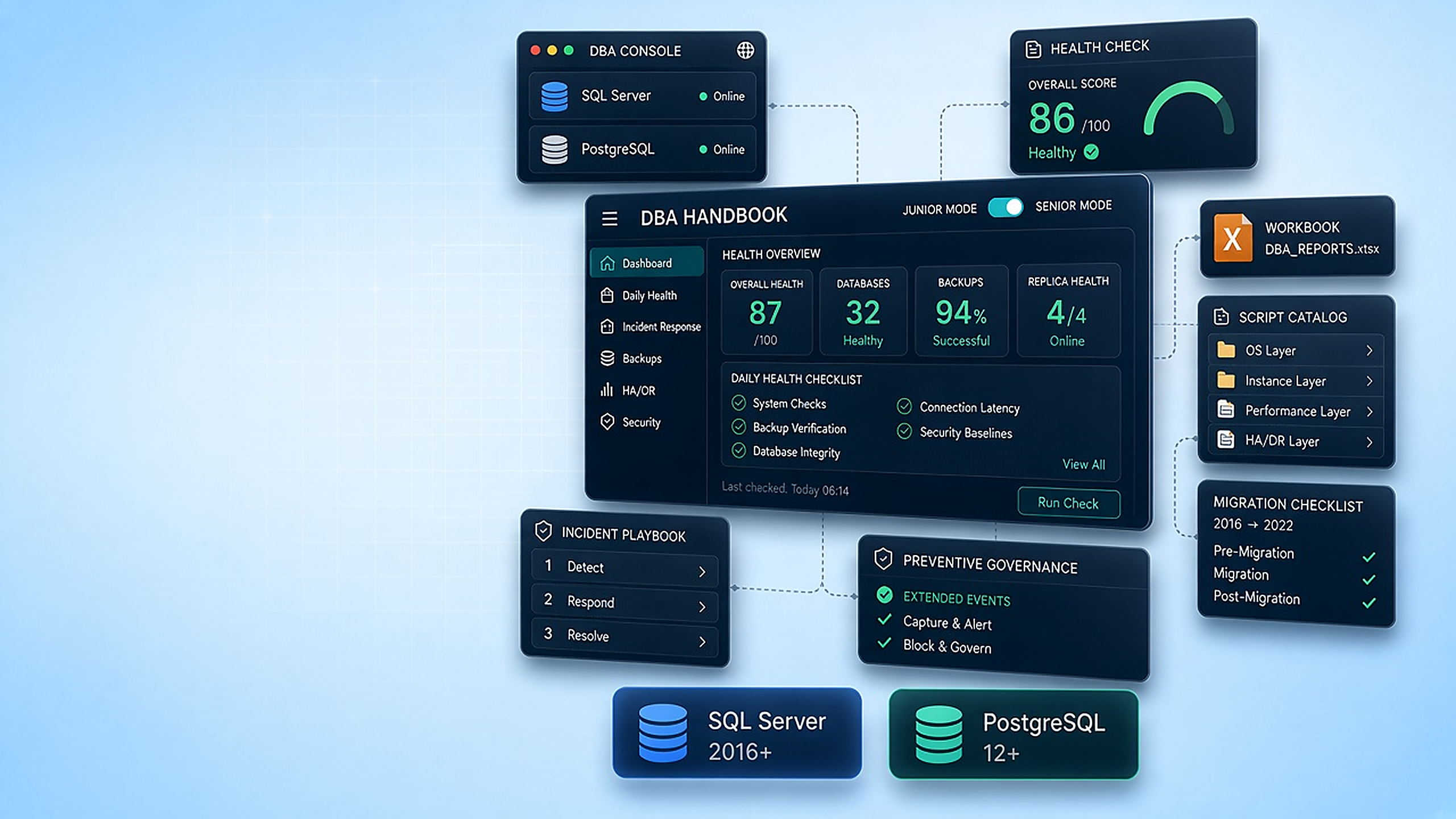
Turn a SQL Server estate into structured assessment evidence and findings.
SQL Server: Supported · ProjectExploreRepository ↗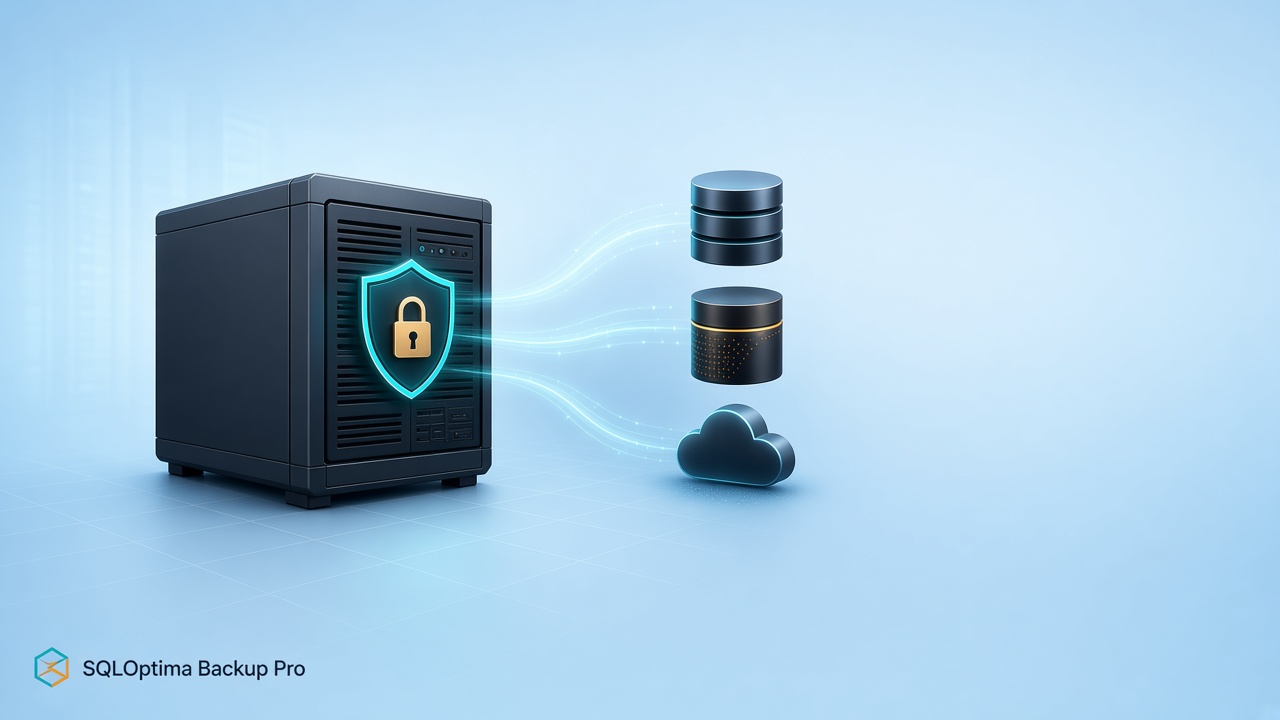
Run, verify, and retain SQL Server backup chains for recovery.
SQL Server: Supported · PreviewExploreRepository ↗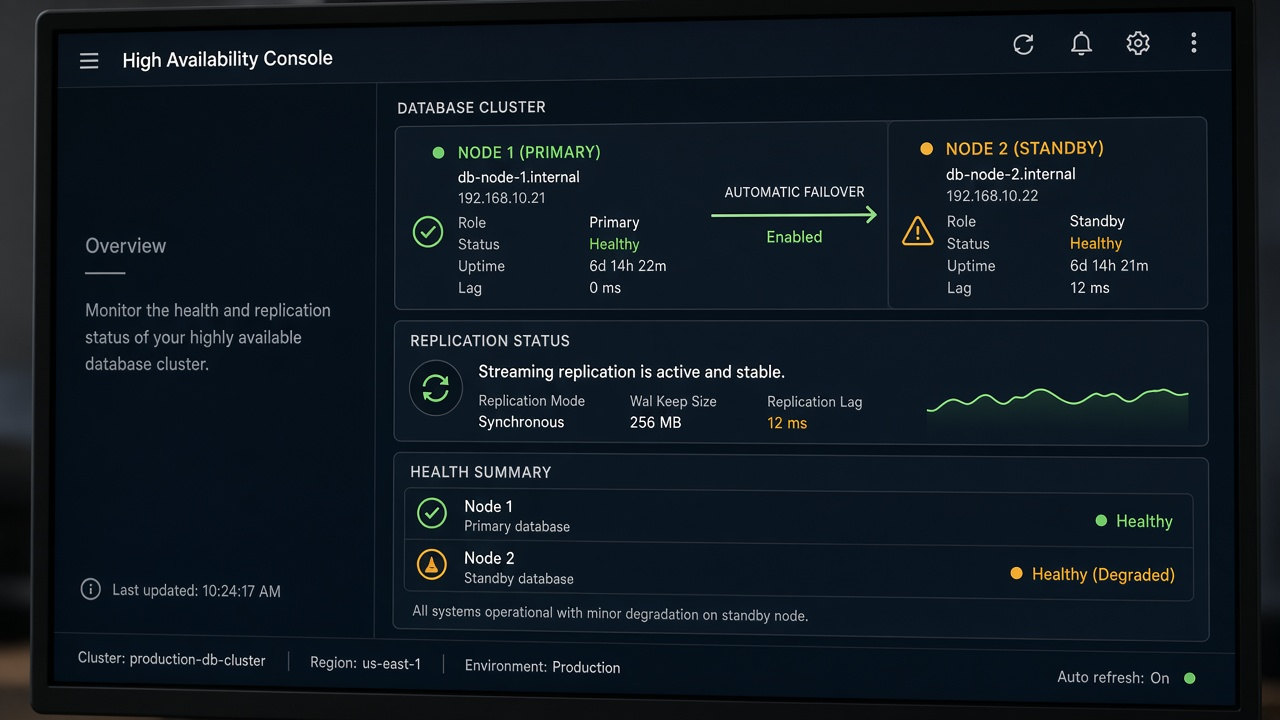
Rehearse database traffic, backup, and failure scenarios away from production.
SQL Server: Lab · PostgreSQL: Lab · LabExploreRepository ↗Three common jobs, using current screenshots where repositories provide them and clearly labeled illustrations elsewhere.
SQL Server supported · PostgreSQL supported
SQL Optima combines live engine telemetry with expert rules so DBAs can move from a symptom to the workload, query, configuration, or capacity issue behind it.
SQL Server supported
Compare a source-of-truth database with one or many targets, review every object difference, and generate a self-contained deployment script without a PowerShell runtime dependency.
SQL Server source · PostgreSQL target
Treat migration as a controlled lifecycle. SQL Optima parses T-SQL into an AST, moves data through a Go engine, validates the result at several levels, and can keep the target synchronized for cutover.
Observe the live system, change it with review, and keep a tested recovery path.
The same evidence loop applies throughout: capture a baseline, make one controlled change, and verify the result.
Checklists, scripts, explanations, and operational playbooks you can use at the keyboard.
A lot of the day is ordinary: a query that got slow, a login that should not be there, a failover nobody has tried. The free tools cover much of that. Training and consulting are for the parts you want to learn, or hand to someone who has done them before.
The same skills show up on both engines. Design, administration, security, high availability, disaster recovery, and performance. Workshops are hands-on. Consulting follows your architecture and how you operate. We also work with AI and SQL MCP when you want the database to answer with the schema in mind.
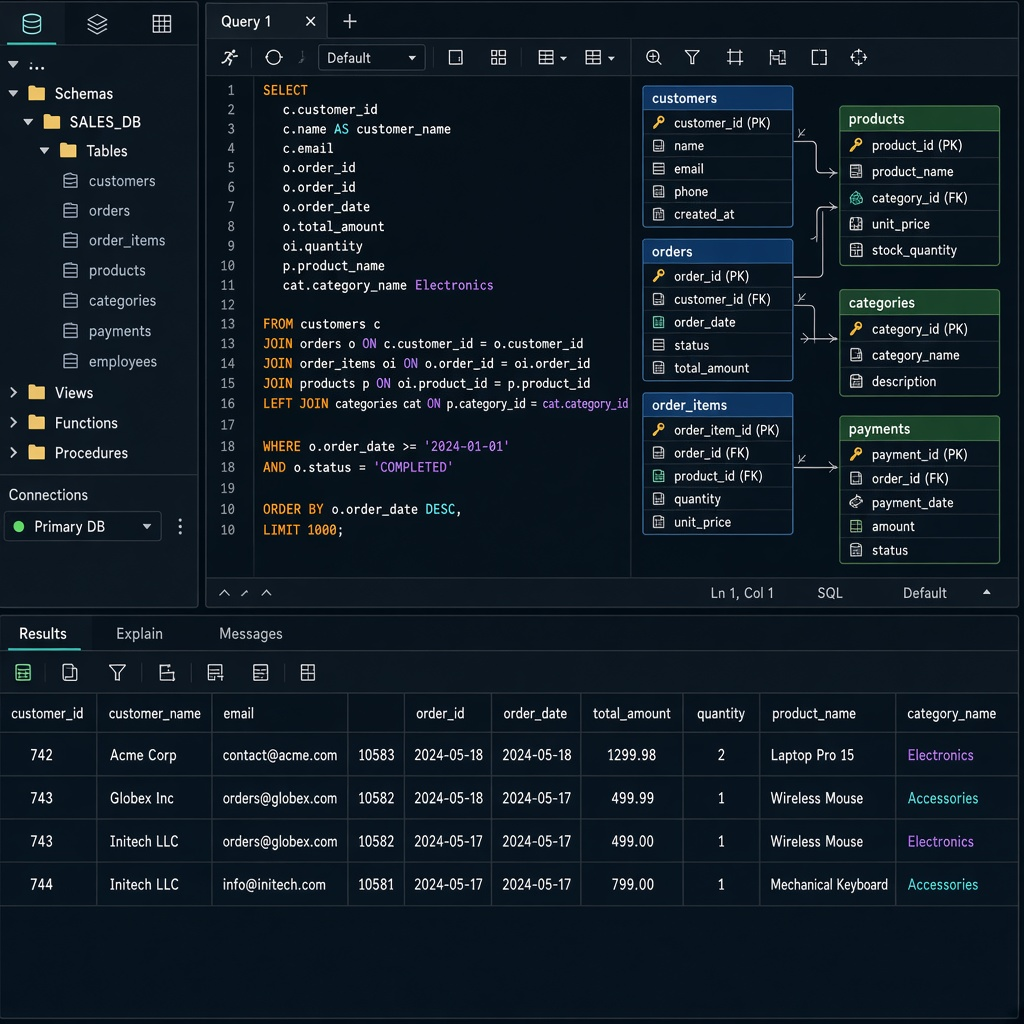 DevelopmentDatabase design, queries, stored procedures, and the path between the application and SQL Server or PostgreSQL. Schema compare shows drift before a release ships the wrong objects.
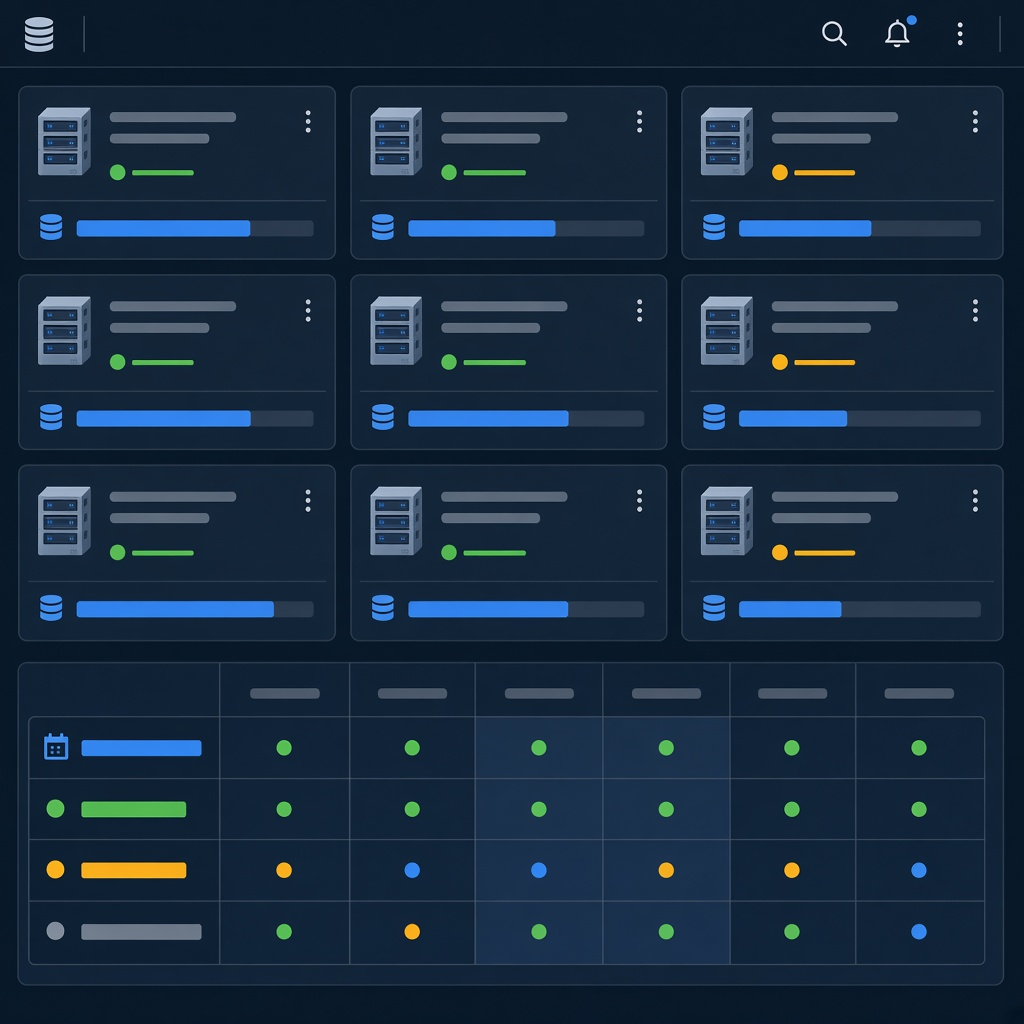 AdministrationThe daily work of keeping both engines tidy: jobs, space, backups you can restore, and a server that behaves the same tomorrow. Monitoring shows what changed overnight.
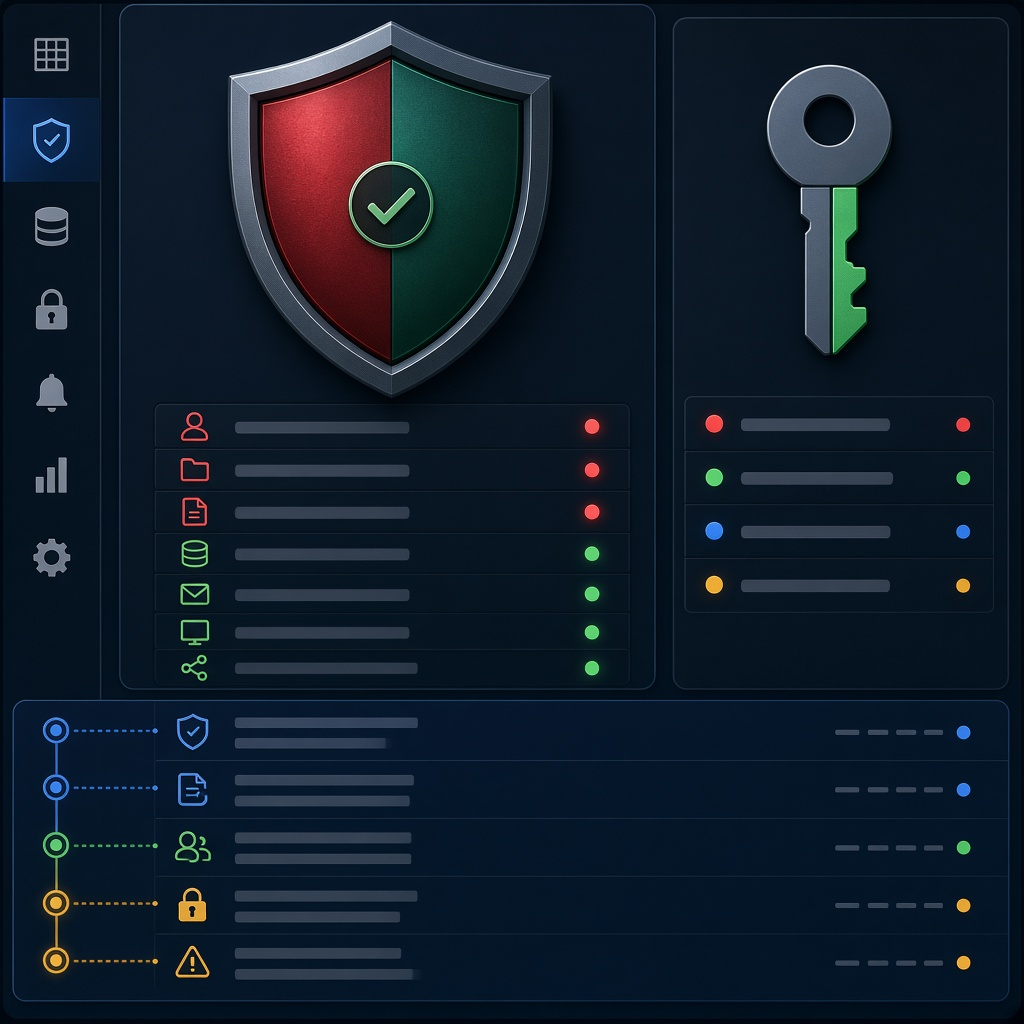 SecurityWho can see what, audits, and keeping sensitive data in the place you intended. Reviews cover logins, permissions, and the paths data should never take.
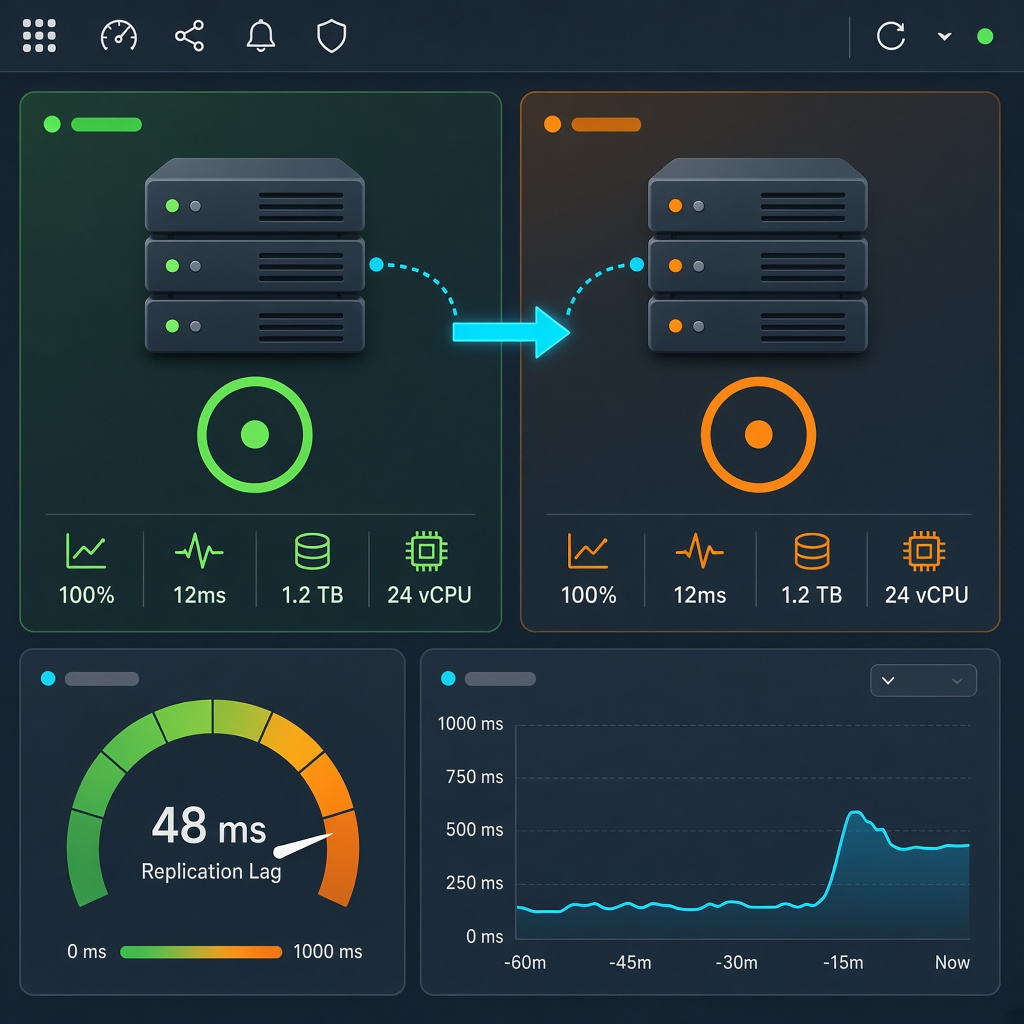 High availability and disaster recoveryFewer outages, a failover you have rehearsed, and a way back when the site is down. Practice the cutover in the HA lab before the night you need it.
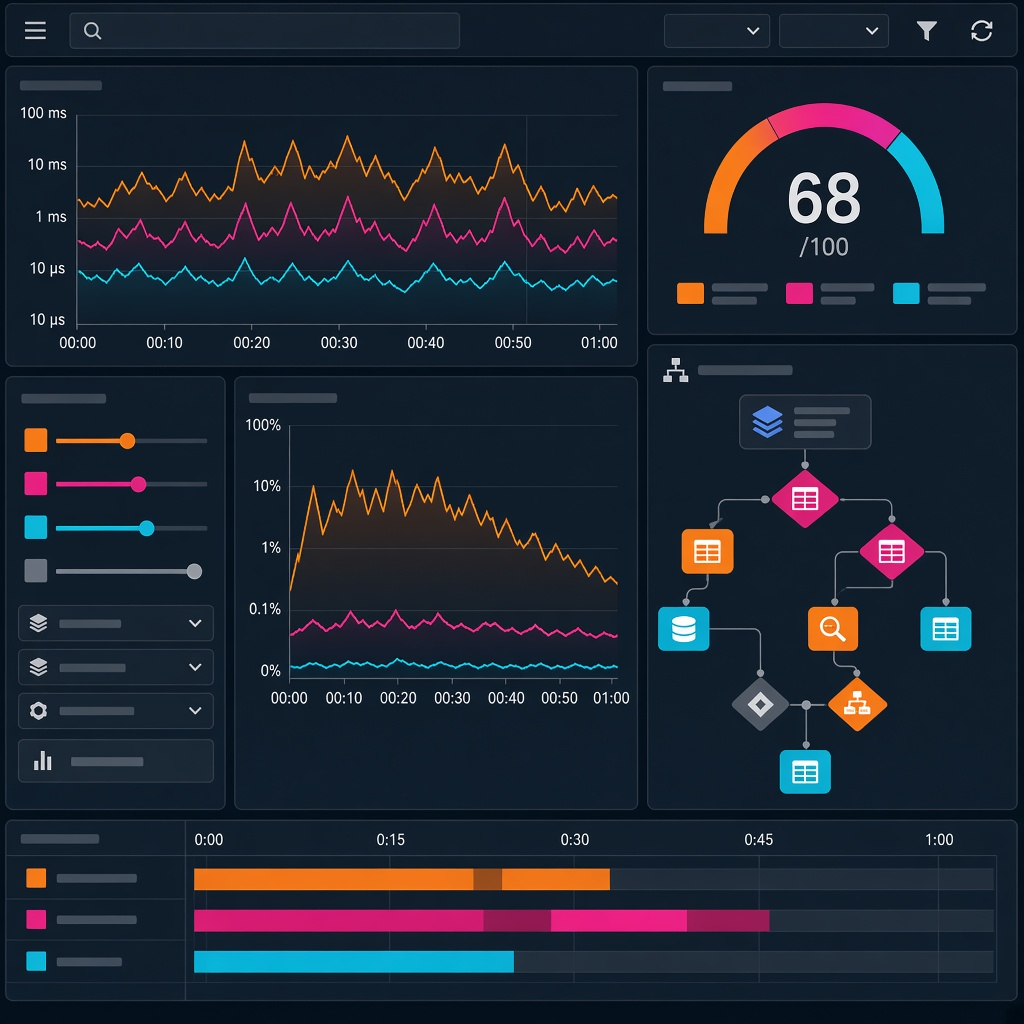 Optimization and performanceFind the slow query, the bad plan, or the resource that is full, then fix that instead of buying a bigger server first. An assessment points at the wait that actually matters.
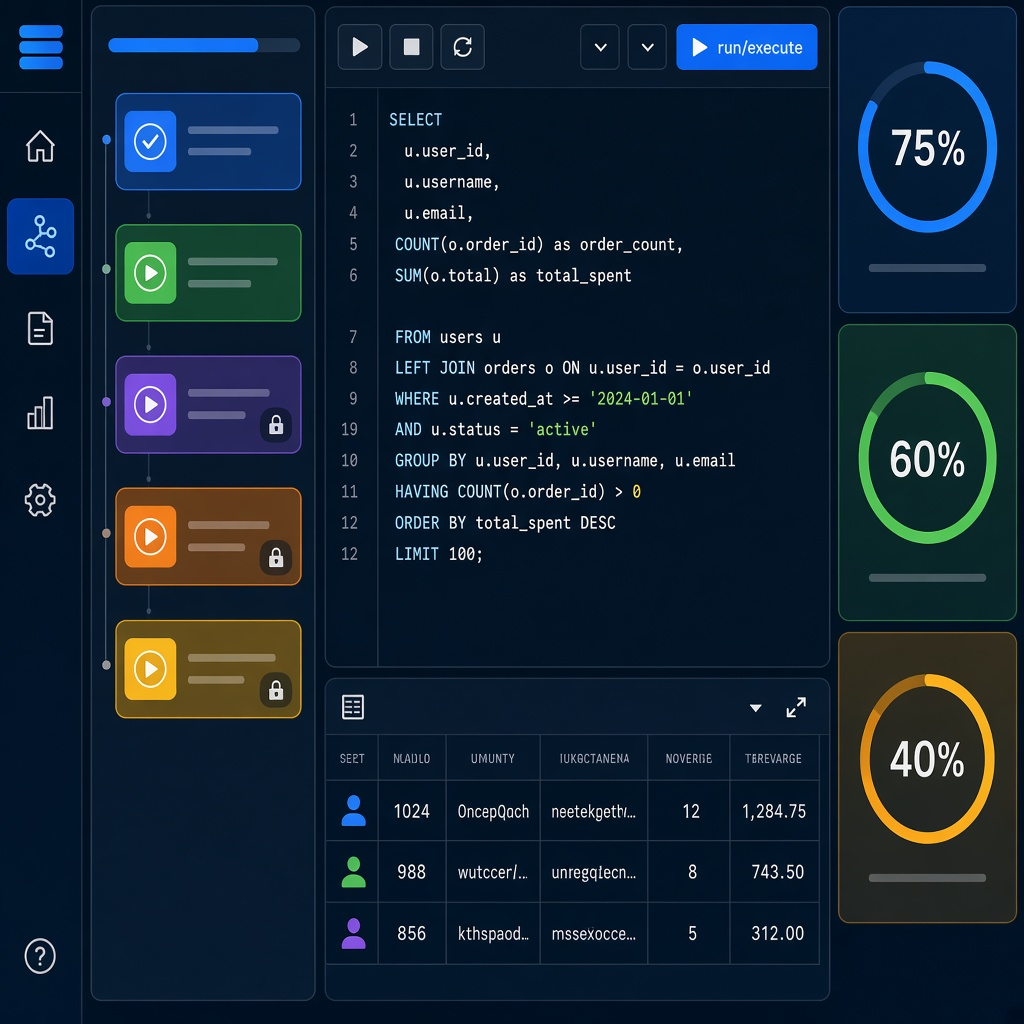 Training and workshopsClasses where you practice on SQL Server and PostgreSQL, not only watch slides. Workshops follow the work itself: design, run, protect, recover, and tune.
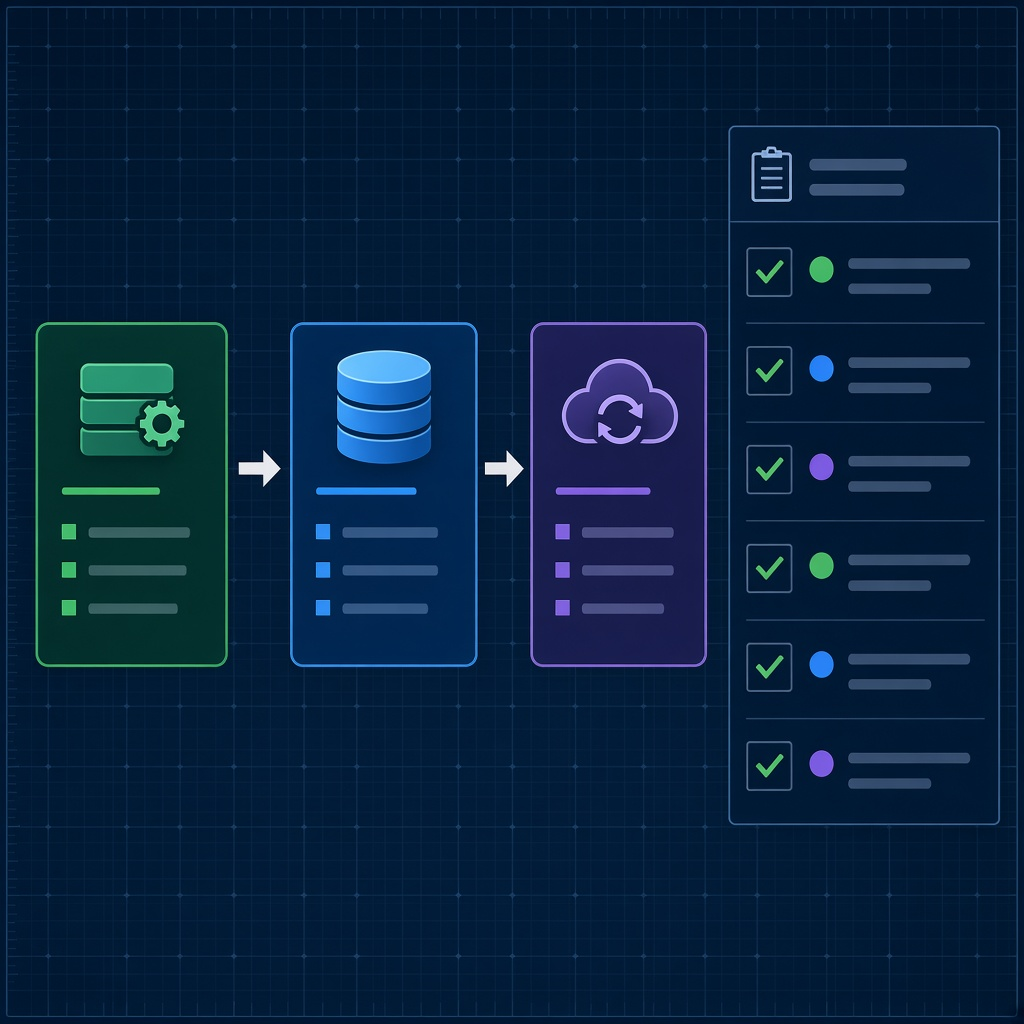 ConsultingHelp shaped to your architecture, performance, security, availability, and how the team actually works. The tools stay with you; we join the work when you want another pair of hands.
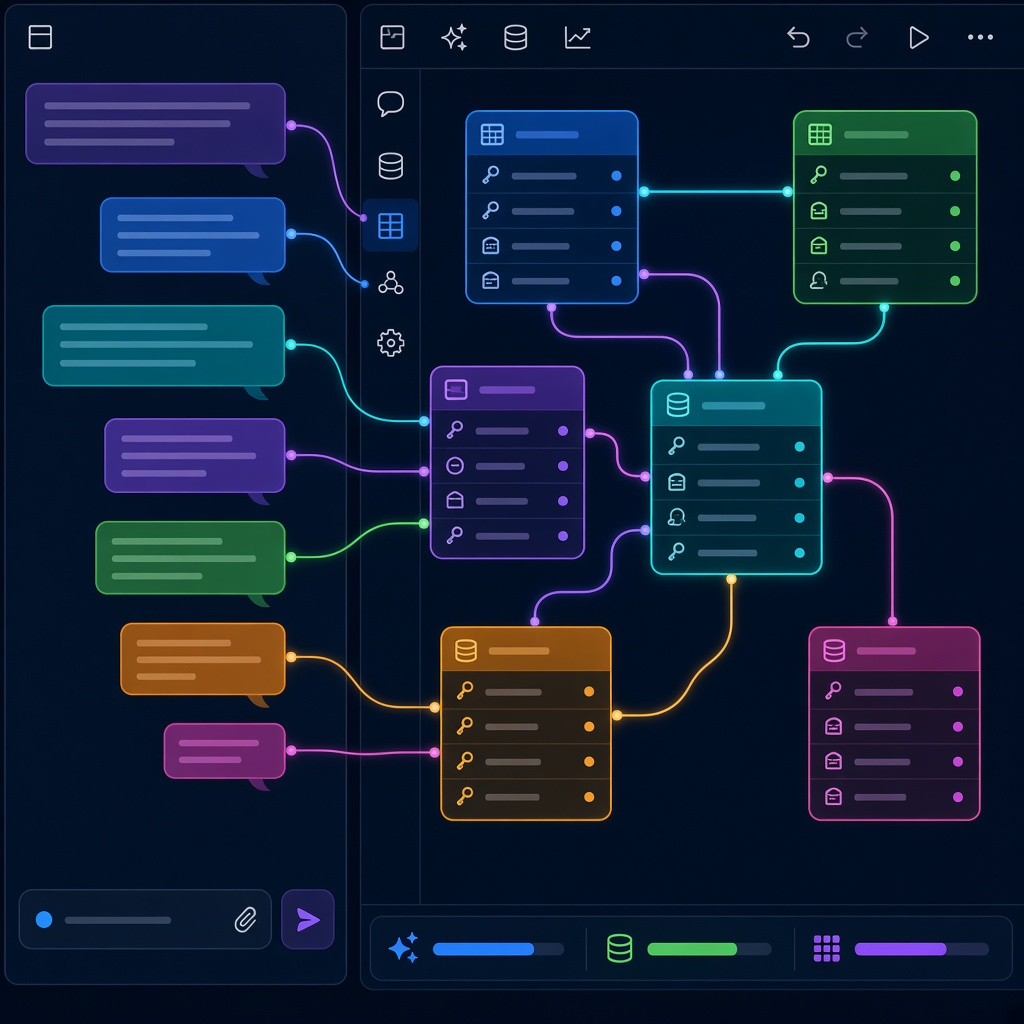 AI and SQL MCPAI and SQL MCP so someone can ask the database a question and get an answer that knows the schema. The reply uses the objects you already have, not a generic guess.
The tools stay free, so you can use them on the everyday jobs. Training and consulting are there when you want a class or a second opinion.
Coverage varies by product; each product page states its own scope.
 SQL ServerCore tools and guidance
 PostgreSQLMonitoring, migration, labs, and guidance
Oracle and MySQL are not presented as having equivalent toolkit coverage.
Specific roles such as migration source, target, guidance, and lab are shown instead of a vague checkmark.
| Product | SQL Server | PostgreSQL | Status |
|---|---|---|---|
| SQL Monitoring | Supported | Supported | Project |
| Schema Compare | Supported | Not listed | Project |
| Migration Toolkit | Source | Target | Preview |
| SQL Server Assessment Collector | Supported | Not listed | Project |
| Backup Manager | Supported | Not listed | Preview |
| DBA Handbook | Guidance | Guidance | Knowledge |
| HA Cluster Lab | Lab | Lab | Lab |
Scope reviewed 2026-09-27. Follow each product’s repository for current installation and release details.
Start with the decision you own, then move into the relevant product or guide.
Triage waits, blocking, backup state, capacity, and configuration before the next incident.
Open role path →DeveloperReview schema drift and query behavior before a database change reaches production.
Open role path →Platform teamRun monitoring and recovery tooling inside infrastructure your team controls.
Open role path →Engineering leadTurn assessment evidence into a prioritized, reviewable remediation plan.
Open role path →Migration teamAssess conversion work, move data, validate results, and rehearse cutover.
Open role path →Why SQL Optima
SQL Optima is an independent database-tooling project created and maintained by Ravi Sharma. The tools and practical guides can be used directly. Consulting and training are separate options for teams that want help applying them to a real estate.
Independent consulting and training are available when your team wants hands-on help alongside the tools.