
Launch both lab environments
Run a three-node Patroni cluster with etcd and HAProxy alongside three SQL Server nodes with replication and log shipping.
Practice failure before production
Start both database environments from one cross-platform launcher, generate concurrent application traffic, and practice high-availability operations without building a lab by hand.
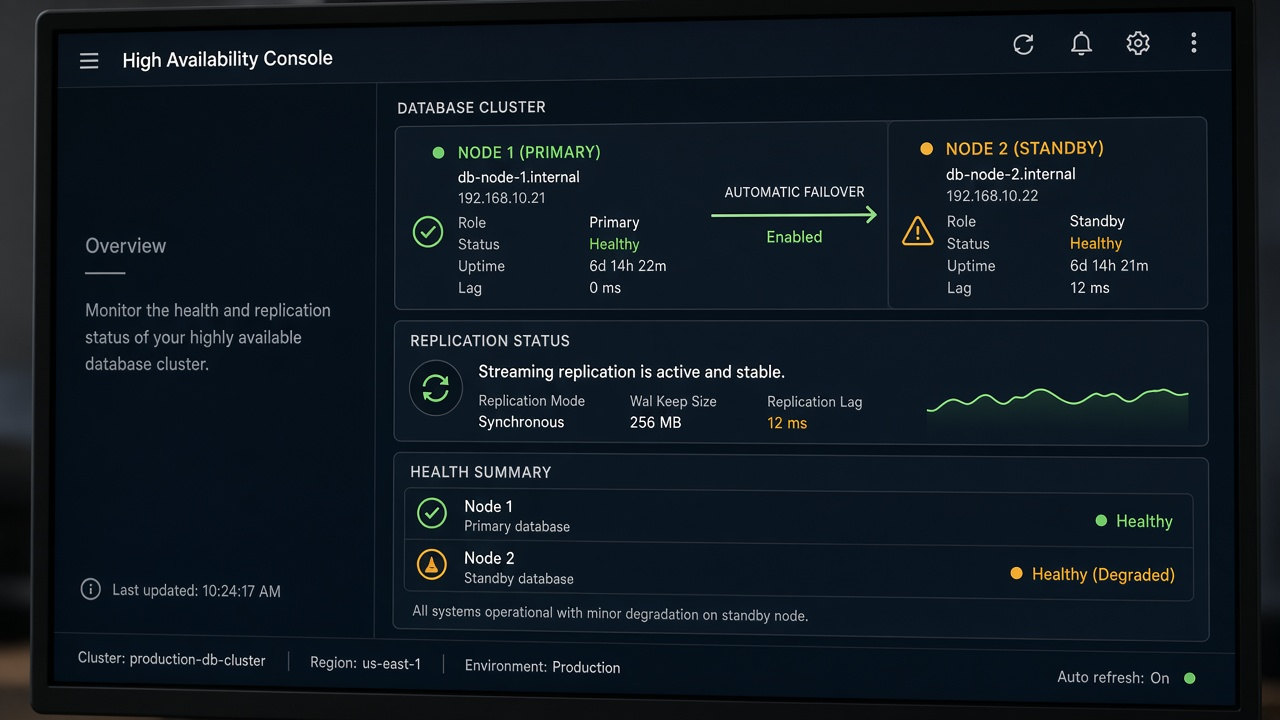
What it helps you do
Run a three-node Patroni cluster with etcd and HAProxy alongside three SQL Server nodes with replication and log shipping.
Choose an engine, duration, worker count, and concurrent users, then watch operation logs and success rates in real time.
Schedule PostgreSQL WAL archives and SQL Server log backups while observing how traffic behaves through operational changes.
From the repository
Verified scope
Project evidence
How it works
The launcher detects host RAM, lets you choose engines, creates memory overrides, and starts the containers.
Select PostgreSQL or SQL Server and set duration, worker threads, and concurrent users.
Inspect throughput, failure analysis, and downloadable reports, then repeat the scenario during failover or backup activity.
Run it yourself
irm https://raw.githubusercontent.com/rsharma155/sqlserver_postgres_ha_cluster/main/install.ps1 | iexcurl -fsSL https://raw.githubusercontent.com/rsharma155/sqlserver_postgres_ha_cluster/main/install.sh | bashSource: repository README.md ↗. Check the repository for the latest security notes, configuration options, and release status.
Explore another sqloptima product or go straight to the source.