
Triage the estate
Use control-center dashboards for sessions, CPU, memory, I/O, waits, locks, storage, backups, and security.
Observe SQL Server and PostgreSQL
SQL Optima combines live engine telemetry with expert rules so DBAs can move from a symptom to the workload, query, configuration, or capacity issue behind it.
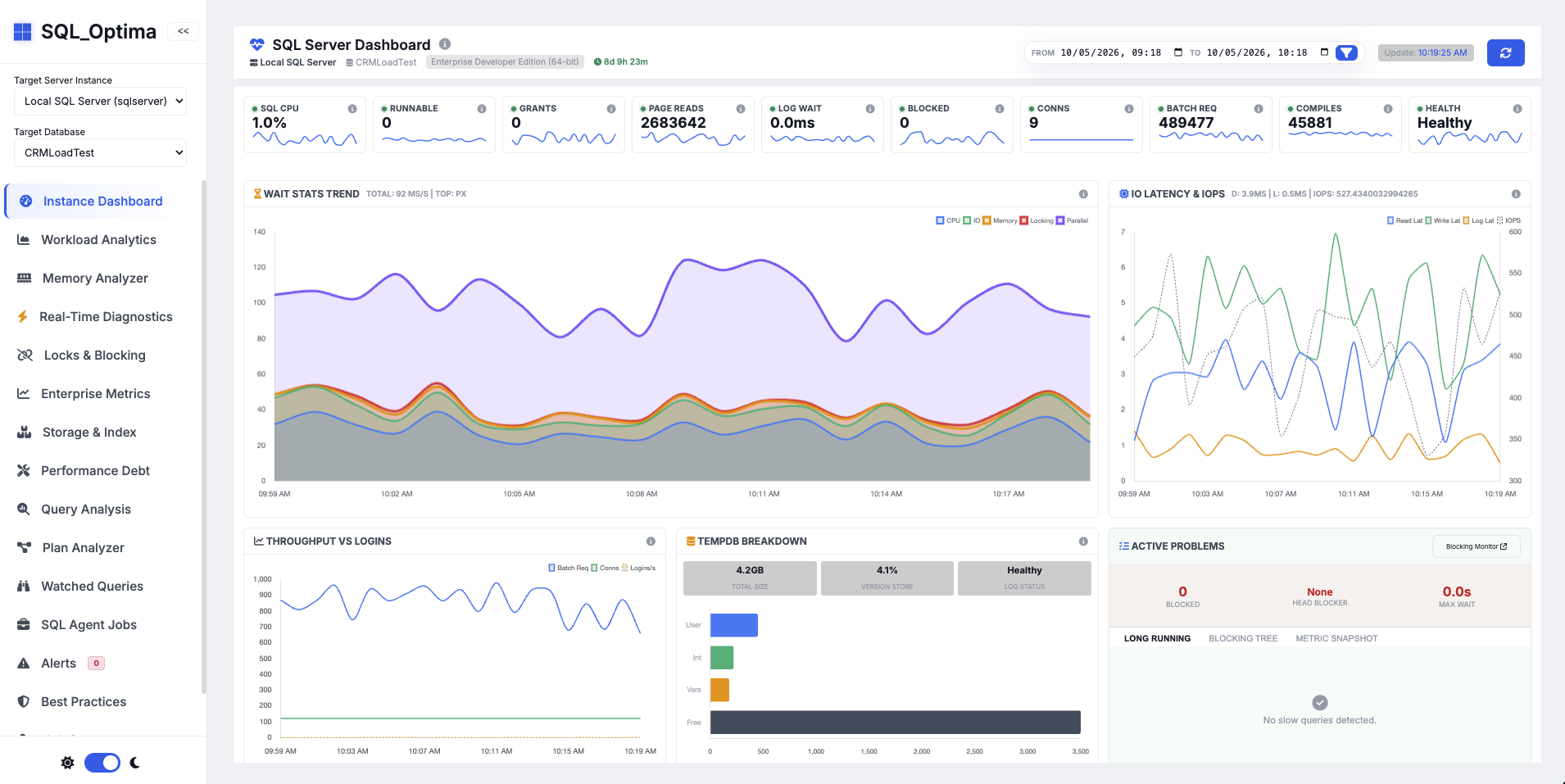
What it helps you do
Use control-center dashboards for sessions, CPU, memory, I/O, waits, locks, storage, backups, and security.
Investigate Query Store and pg_stat_statements workloads, regressions, plan instability, and EXPLAIN plans.
Use built-in rule evaluators, thresholds, forecasting, and remediation guidance to turn telemetry into action.
From the repository
Verified scope
Project evidence
How it works
Docker Compose starts the API, TimescaleDB, Vault, and schema bootstrap services.
Add SQL Server or PostgreSQL from the setup wizard and validate the monitoring permissions.
Start with the engine dashboard, drill into waits or queries, then use the built-in DBA guidance.
Run it yourself
irm https://raw.githubusercontent.com/rsharma155/sql_optima/main/install.ps1 | iexcurl -fsSL https://raw.githubusercontent.com/rsharma155/sql_optima/main/install.sh | bashSource: repository README.md ↗. Check the repository for the latest security notes, configuration options, and release status.
Explore another sqloptima product or go straight to the source.