
Protect the backup chain
Run SMO-based full, differential, and log backups with compression, CHECKSUM, optional encryption, and chain prerequisite checks.
Back up for recovery
Schedule and operate full, differential, and transaction log backups from one backup server, with integrity verification before upload and durable history for local and cloud copies.
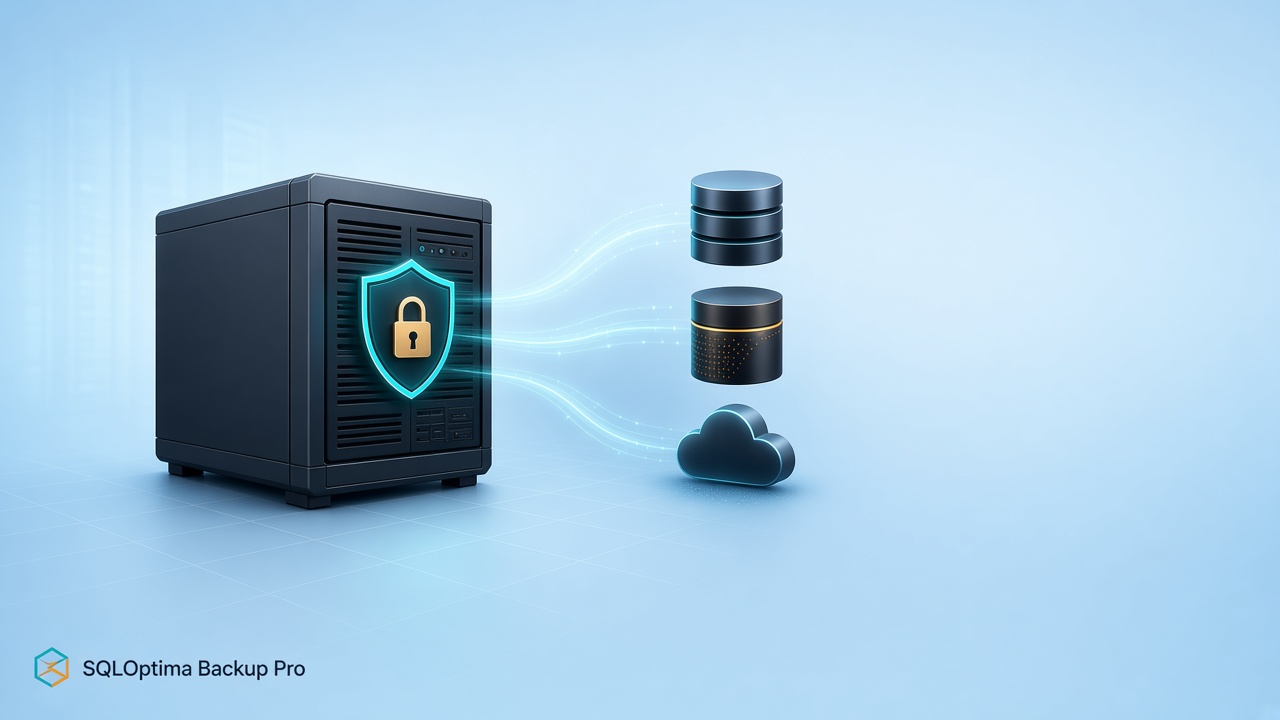
What it helps you do
Run SMO-based full, differential, and log backups with compression, CHECKSUM, optional encryption, and chain prerequisite checks.
Run RESTORE VERIFYONLY and calculate SHA-256 before files move to the primary destination or an optional cloud mirror.
Keep machine secrets and service controls in the local desktop app while operators use an HTTPS web console with JWT roles.
From the repository
Verified scope
Project evidence
How it works
Use the elevated desktop control panel for paths, secrets, service setup, and diagnostics.
Register SQL Servers and storage, choose databases and backup type, then define retention and scheduling.
The Agent executes the backup, verifies the media set, uploads approved files, and records progress and history.
Run it yourself
$zip = Join-Path $PWD 'SqlBackup.Server-portable-win-x64.zip'
Invoke-WebRequest 'https://raw.githubusercontent.com/rsharma155/sqloptima_releases/main/sqlbackup_pro/SqlBackup.Server-portable-win-x64.zip' -OutFile $zip
Expand-Archive $zip -DestinationPath '.\SqlBackup.Server'dotnet run --project src/SqlBackup.Api/SqlBackup.Api.csproj
dotnet run --project src/SqlBackup.Agent/SqlBackup.Agent.csprojSource: repository README.md ↗. Check the repository for the latest security notes, configuration options, and release status.
Explore another sqloptima product or go straight to the source.