
Choose the collection depth
Use the detailed collector for a Phase-1 architectural assessment or the minimal collector for a faster, lighter evidence share.
Collect current-state evidence
Use the open-source SQL Server Assessment Collector to gather repeatable evidence before an architecture, modernization, migration, or remediation engagement. Choose a detailed assessment or a faster limited run, then use the SQL Server and PostgreSQL DBA handbooks to turn findings into practical follow-up work.
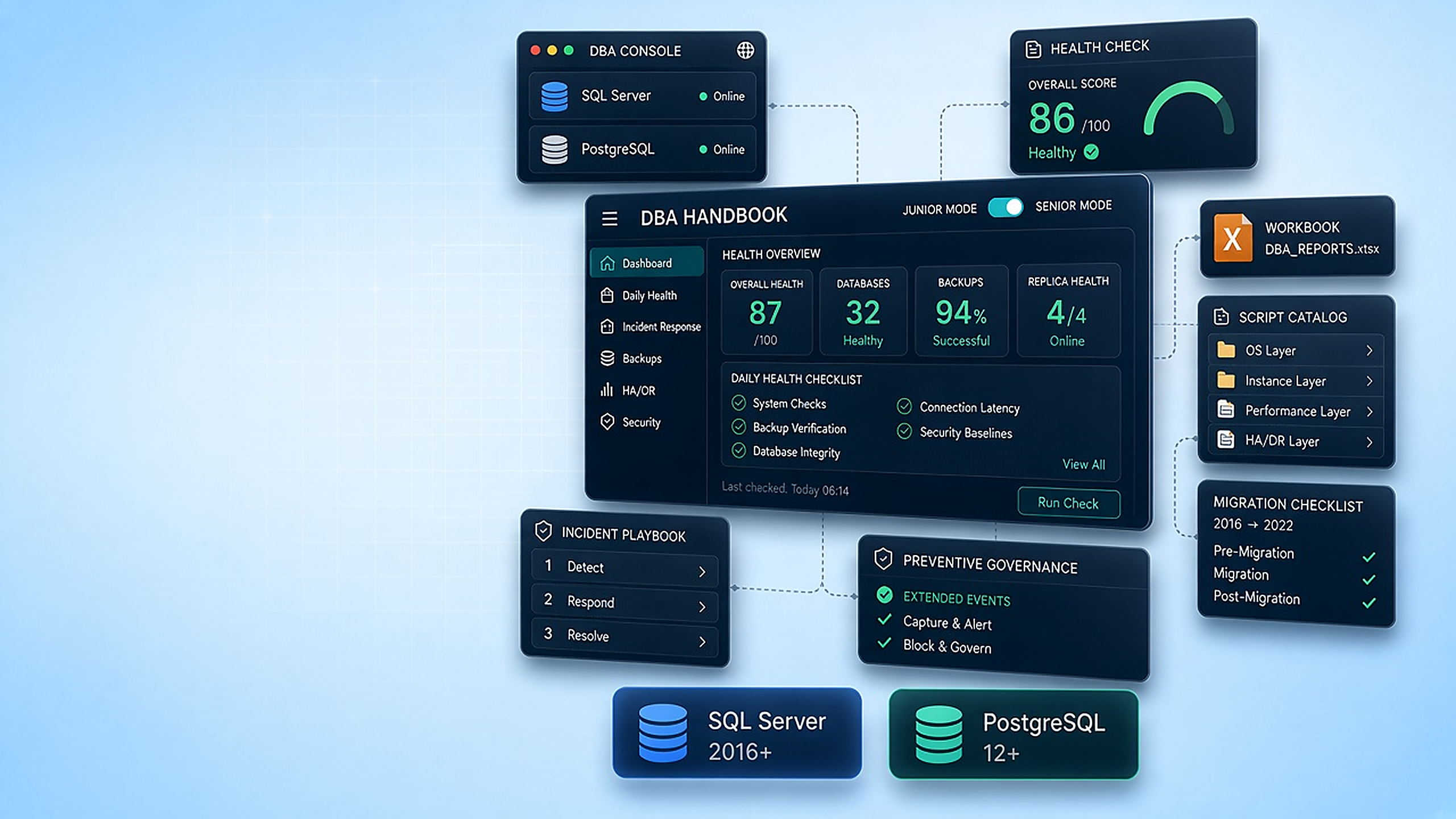
What it helps you do
Use the detailed collector for a Phase-1 architectural assessment or the minimal collector for a faster, lighter evidence share.
Collect architecture, configuration, schema, storage, indexes, performance, security, HA/DR, capacity, and maintenance evidence.
Generate an executive HTML report, an Excel workbook, or both, then continue into the linked SQL Server or PostgreSQL DBA handbook for operational guidance and working scripts.
From the repository
Verified scope
Project evidence
How it works
Choose the detailed script for architectural evidence or the minimal script for a shorter run.
Provide a SQL credential and optionally select one or more user databases.
Start with the health score and findings, then inspect the category-based HTML or Excel evidence sections.
Run it yourself
Install-Module dbatools -Scope CurrentUser
Install-Module ImportExcel -Scope CurrentUser.\Invoke-SqlInitialAssessment.ps1 -ServerIP '192.168.1.100' -Credential $sqlCredential -OpenReportSource: repository README.md ↗. Check the repository for the latest security notes, configuration options, and release status.
Explore another sqloptima product or go straight to the source.