
SQL Optima guide
Buffer cache hit ratio is not a silver bullet
Why a high cache hit ratio can still hide latency pain.
/*
================================================================================
Purpose:        Analyzes current memory allocation, Page Life Expectancy (PLE),
                memory clerks, and pending memory grants (Resource Semaphores).
Provides:       Instance memory overview, PLE per NUMA node, Memory clerk
                distribution, Pending memory grants.
Importance:     Memory pressure causes frequent disk I/O (paging), severely
                degrading performance.
Interpretation: PLE below dynamic threshold ((Total Memory in GB / 4) * 150)
                indicates pressure. Any pending memory grants indicate severe starvation.
 Prerequisites: Deploy framework objects first (00_Framework/00_Deploy_Framework.ps1) when using shared wait helpers.
Action:         If PLE is below threshold, increase max server memory or add RAM. If pending memory grants exist, review queries with large memory grants via top_resource_queries.sql. For high single-page allocators, check for .NET or linked server connections. For full analysis run memory_bottleneck_deep_dive.sql.
Criticality:    High
Author:        Ravi Sharma
================================================================================
*/

SET TRANSACTION ISOLATION LEVEL READ UNCOMMITTED;
SET NOCOUNT ON;

-- 1. Instance Memory Overview & Configuration Validation
SELECT
    physical_memory_in_use_kb / 1024 AS [Memory_In_Use_MB],
    (SELECT CAST(value_in_use AS INT) FROM sys.configurations WHERE name = 'max server memory (MB)') AS [Max_Server_Memory_MB],
    (SELECT cntr_value / 1024 FROM sys.dm_os_performance_counters WITH (NOLOCK) WHERE counter_name = 'Target Server Memory (KB)') AS [Target_Memory_MB],
    (SELECT cntr_value / 1024 FROM sys.dm_os_performance_counters WITH (NOLOCK) WHERE counter_name = 'Total Server Memory (KB)') AS [Total_Memory_MB],
    CAST('Comparison of Target vs. Total Server memory. ' +
         'Threshold: Total Server Memory should reach Target Server Memory after warmup. ' +
         'If Memory In Use is close to Max Server Memory, it is normal behavior as SQL caches data. ' +
         'Recommendation: If Max Server Memory is set too high (leaving < 10% RAM for OS), reduce it to prevent OS paging.'
         AS VARCHAR(1000)) AS [Metric_Context]
FROM sys.dm_os_process_memory WITH (NOLOCK);

-- 2. Page Life Expectancy (PLE) per NUMA Node
DECLARE @TotalMemGB DECIMAL(18,2) = (
    SELECT cntr_value / 1024.0 / 1024.0
    FROM sys.dm_os_performance_counters
    WHERE counter_name = N'Total Server Memory (KB)'
);
DECLARE @PLEThreshold INT = CASE WHEN @TotalMemGB > 0 THEN CAST((@TotalMemGB / 4.0) * 150 AS INT) ELSE 300 END;

SELECT
    RTRIM(instance_name) AS [NUMA_Node],
    cntr_value AS [Page_Life_Expectancy_Seconds],
    @TotalMemGB AS [Total_Memory_GB],
    @PLEThreshold AS [PLE_Threshold_Seconds],
    CASE
        WHEN cntr_value < @PLEThreshold THEN N'WARNING: Below dynamic PLE threshold'
        ELSE N'OK'
    END AS [PLE_Status],
    CAST(N'Page Life Expectancy measures buffer cache retention. Dynamic threshold = (Total Memory GB / 4) * 150.' AS VARCHAR(1000)) AS [Metric_Context]
FROM sys.dm_os_performance_counters
WHERE object_name LIKE N'%Buffer Manager%'
  AND counter_name = N'Page life expectancy';

-- 3. NUMA Node Analysis
PRINT '--- Memory Nodes (NUMA) Analysis ---';
SELECT
    memory_node_id,
    virtual_address_space_reserved_kb / 1024 AS [VA_Reserved_MB],
    virtual_address_space_committed_kb / 1024 AS [VA_Committed_MB],
    locked_page_allocations_kb / 1024 AS [Locked_Pages_MB],
    pages_kb / 1024 AS [Total_Pages_MB],
    CASE
        WHEN pages_kb < 1024 * 1024 THEN '🟡 INFO: Small memory node'
        ELSE '🟢 OPTIMAL'
    END AS [Node_Status]
FROM sys.dm_os_memory_nodes
WHERE memory_node_id <> 64; -- Exclude DAC node

-- 4. Memory Clerks Distribution (Top 10 consumers)
SELECT TOP (10)
    type AS [Memory_Clerk_Type],
    pages_kb / 1024 AS [Allocated_MB],
    CAST('Memory clerk distribution identifies what component inside SQL Server is consuming memory. ' +
         'Threshold: MEMORYCLERK_SQLBUFFERPOOL should normally dominate. ' +
         'Recommendation: If CACHESTORE_SQLCP (Ad-hoc plans) or CACHESTORE_OBJCP is extremely high, enable "optimize for ad hoc workloads" or perform parameterization.'
         AS VARCHAR(1000)) AS [Metric_Context]
FROM sys.dm_os_memory_clerks WITH (NOLOCK)
ORDER BY pages_kb DESC;

-- 4. Pending Memory Grants (Resource Semaphore Waits)
SELECT
    requested_memory_kb / 1024 AS [Requested_Memory_MB],
    granted_memory_kb / 1024 AS [Granted_Memory_MB],
    timeout_sec AS [Timeout_Seconds],
    query_cost AS [Query_Cost],
    CAST('Queries waiting for RAM allocation to run. ' +
         'Threshold: Any active row returned indicates immediate, severe memory resource starvation. ' +
         'Recommendation: Find execution plans for session_ids returned here, optimize their sorting/hashing operations, or scale server RAM.'
         AS VARCHAR(1000)) AS [Metric_Context]
FROM sys.dm_exec_query_memory_grants WITH (NOLOCK);
Review the full script and confirm the connected SQL Server instance before execution. The run instructions and output guide appear later in this article.
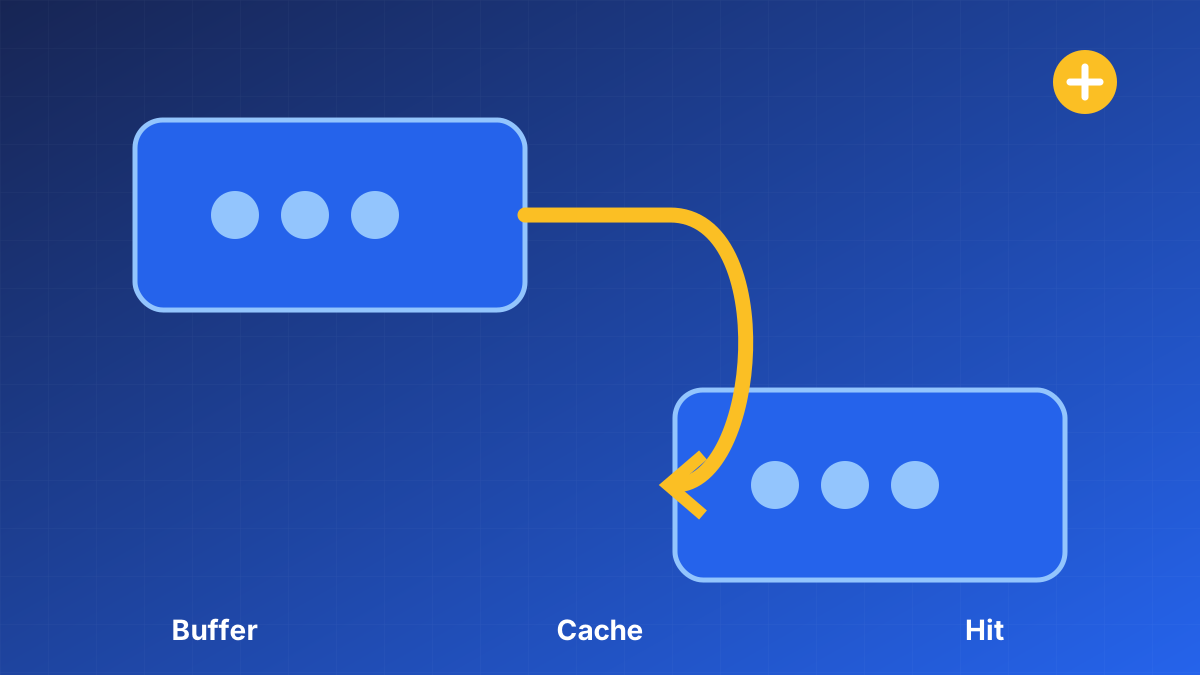
A 99% buffer cache hit ratio looks healthy until the remaining 1% is cold reads on the hottest path.
Track query latency and physical reads alongside hit ratio. When they diverge, investigate plan regressions and working-set churn before adding RAM as the default answer.
Why cache interpretation deserves a method
The central principle is that a high cache-hit ratio can coexist with memory pressure, inefficient scans, and poor query performance. A single metric, recommendation, or successful command is not enough. The decision has to connect an observed symptom to a plausible cause, a controlled change, and a result that can be verified under the workload that matters.
Evidence to collect
Use evidence from the same time window whenever possible:
- page life expectancy trend
- physical and logical reads
- memory grants and pending grants
- workload latency and buffer churn
A practical workflow
- Establish a workload baseline.
- Correlate cache metrics with waits and reads.
- Inspect the queries causing churn.
- Validate improvements during representative load.
Common mistakes
Avoid these shortcuts:
- using one universal healthy percentage
- reading a cumulative counter without a time window
- adding memory before finding the workload source
Verification and completion
Define completion before making the change. Confirm correctness first, then compare latency, throughput, reads, CPU, waits, storage behavior, or recovery time as appropriate for Buffer cache hit ratio is not a silver bullet. Test negative and boundary cases, not only the path expected to succeed. Watch the system long enough to cover the relevant workload pattern.
Download and run the diagnostic
SQL Server memory diagnostic
Download memory_diagnostics.sqlBefore you run it
- Run the script first on a non-production or read-only connection when possible.
- Review the complete SQL file before execution and confirm that the connected instance is the intended target.
- Required access: VIEW SERVER STATE.
- Open SQL Server Management Studio or Azure Data Studio, connect to the instance, open the downloaded file, and select Execute. Do not run diagnostic scripts through an application login.
- Save the result grid with the server name, collection time, and incident window. DMV output changes over time and often resets after a SQL Server restart.
What the script does
Collects operating-system and SQL memory state, buffer behavior, memory grants, clerks, and pressure indicators needed to interpret cache metrics. The download is intended for diagnosis and does not apply an automatic remediation. Read every statement anyway, especially when adapting the script for automation or a different SQL Server version.
How to read the output
Do not judge memory from one ratio. Look for sustained low available memory, pending grants, reduced page life expectancy relative to the workload, and large clerks. Correlate any pressure with query reads and plan behavior before changing max server memory.